
Build your own{AI} Chief of Staff.
A practical, guided build that turns how you work into an agent that can prepare, prioritise and brief you every day.
Start simple. Refine it over time.
The best agents aren’t built in a day. Complete one step at a time, test what changes, then sharpen the instructions as your work evolves.
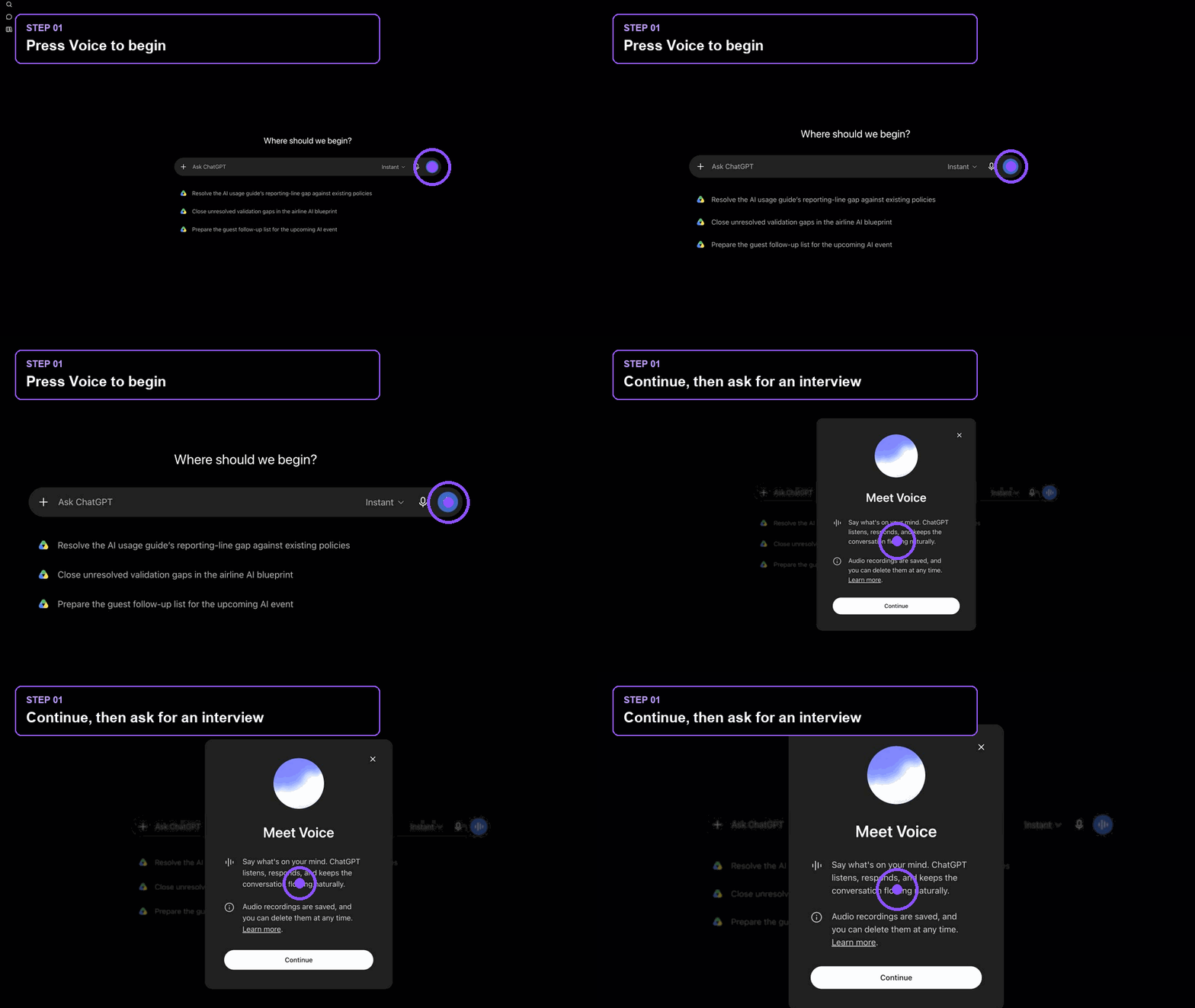 The interface may vary slightly by plan or rollout.
Let ChatGPT interview you
Turn your working knowledge into usable context.
- Open a new ChatGPT chat and select Chat.
- Press the Voice waveform beside the message box.
- Read the interview prompt below, then answer naturally. Ask ChatGPT to probe rather than rush.
Act as an experienced Chief of Staff onboarding into my role. Interview me one question at a time about my responsibilities, current priorities, key stakeholders, recurring meetings, decision-making style, communication preferences, frustrations, constraints and what excellent support would look like. Probe wherever my answers are vague. Continue until you can produce a concise operating brief. Do not draft the brief until I say the interview is complete.
GOOD PRACTICEYou do not need to record the perfect answer. Correct, expand and refine as you go.
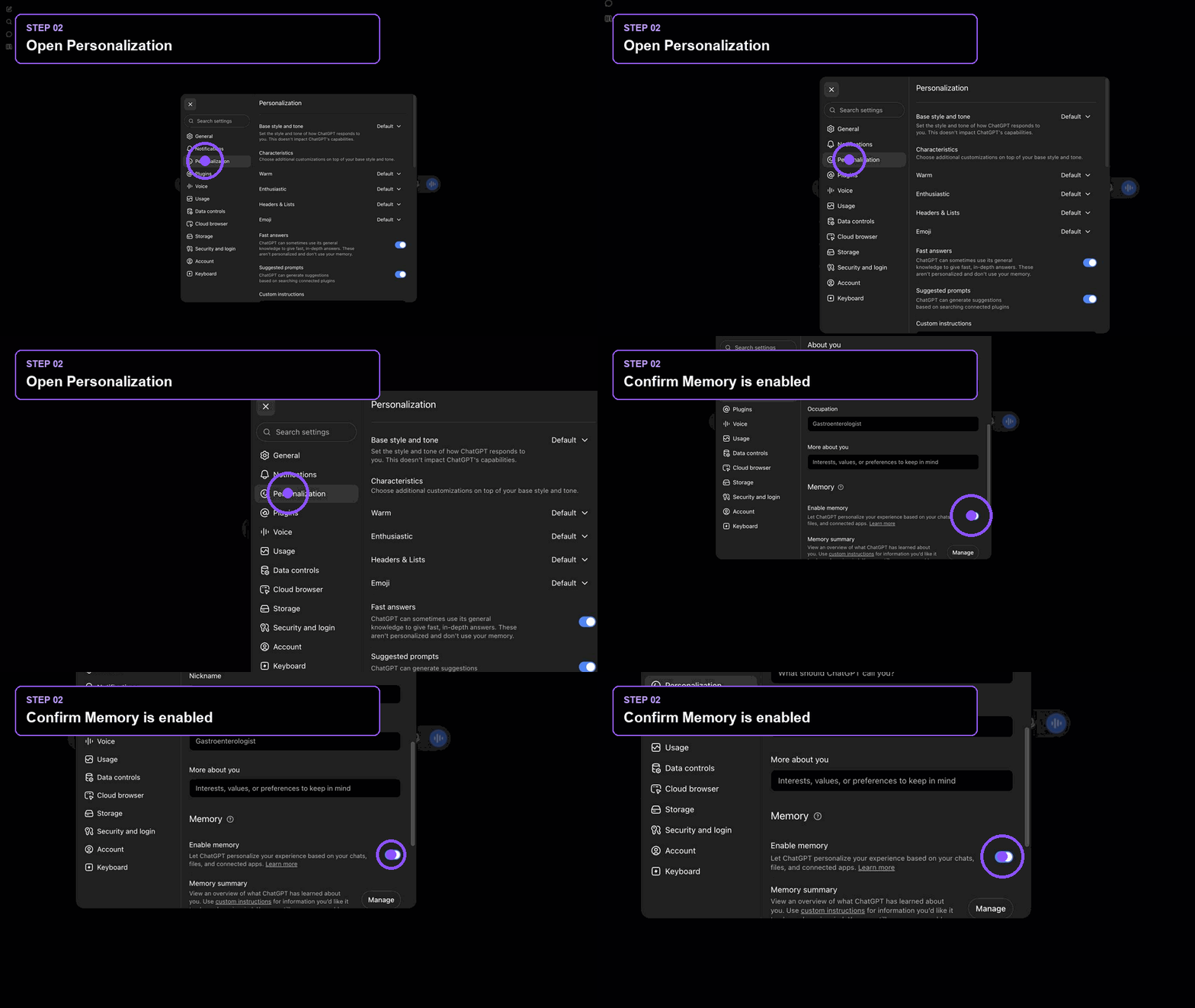 The interface may vary slightly by plan or rollout.
Save the important context
Keep the durable facts; leave temporary and sensitive detail out.
- Open your profile menu, choose Personalization and scroll to Memory.
- Confirm Memory is enabled, if it is available in your workspace.
- Ask ChatGPT to propose what should be retained before anything is saved.
In the same chat session as Step 01, review our interview. Separate the information into: (a) durable facts and preferences useful across future chats, (b) project-specific or temporary information, and (c) sensitive information that should not be remembered. Show me the proposed durable memory items first. After I approve them, save only those items to memory. Then give me a one-page operating brief I can use to configure my workspace agent.
GOOD PRACTICEA useful memory is stable and reusable: your role, preferred briefing style, decision habits and recurring priorities.
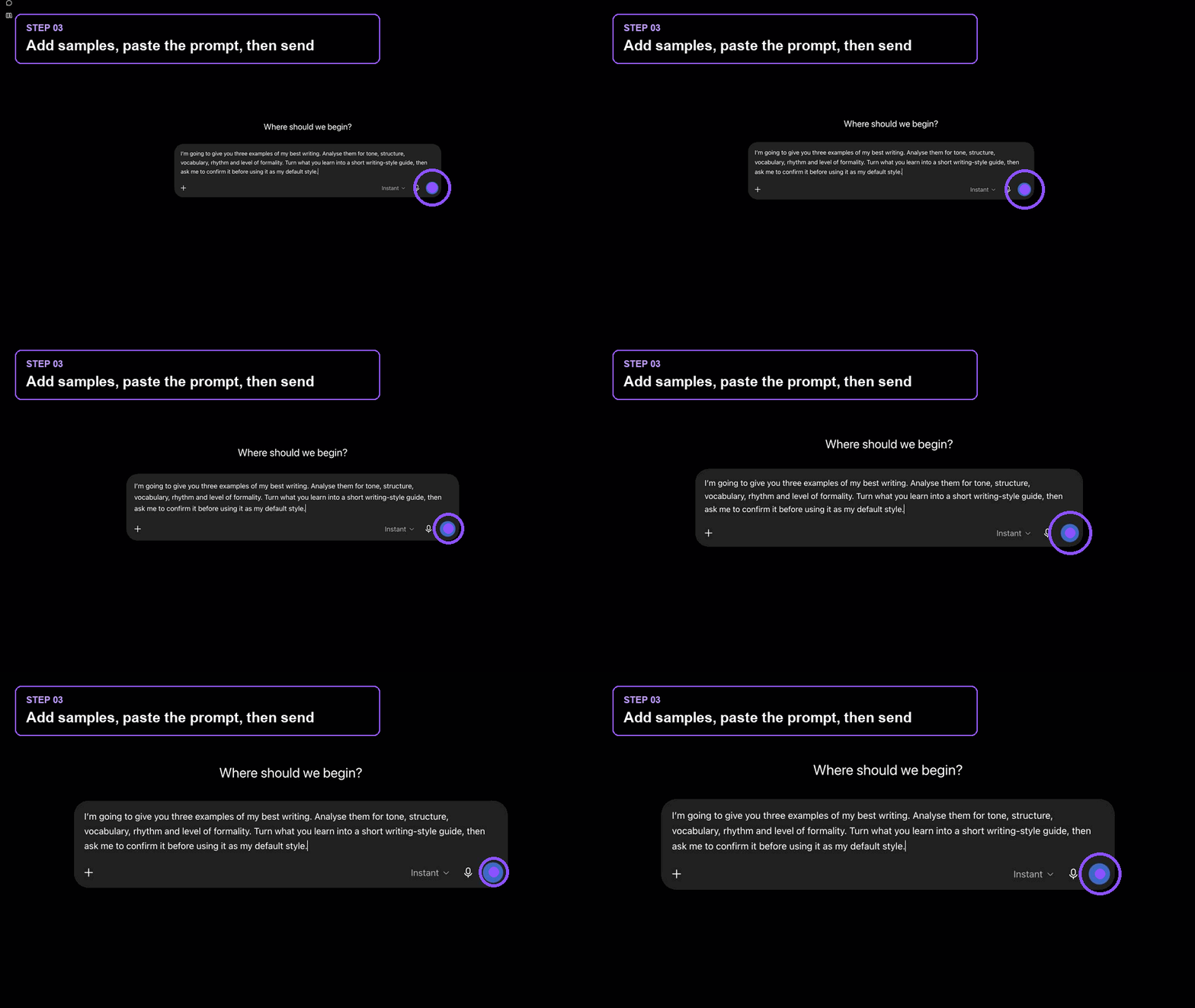 The interface may vary slightly by plan or rollout.
Teach it to write like you
Turn real examples into a style guide you can test.
- Choose three examples that represent your best work.
- Remove confidential information, then add the files to the chat.
- Paste the prompt, review the style guide and correct anything that feels unlike you.
Analyse these three examples for tone, structure, vocabulary, rhythm, sentence length, level of formality, openings, closings and formatting. Identify phrases and habits to use, and patterns to avoid. Produce a concise writing-style guide, then draft a short new example in that style. Ask me for corrections. After I approve it, turn the guide into reusable writing instructions and save the preference to Memory.
GOOD PRACTICEUse examples you would be happy to send again today. Weak samples teach weak habits.
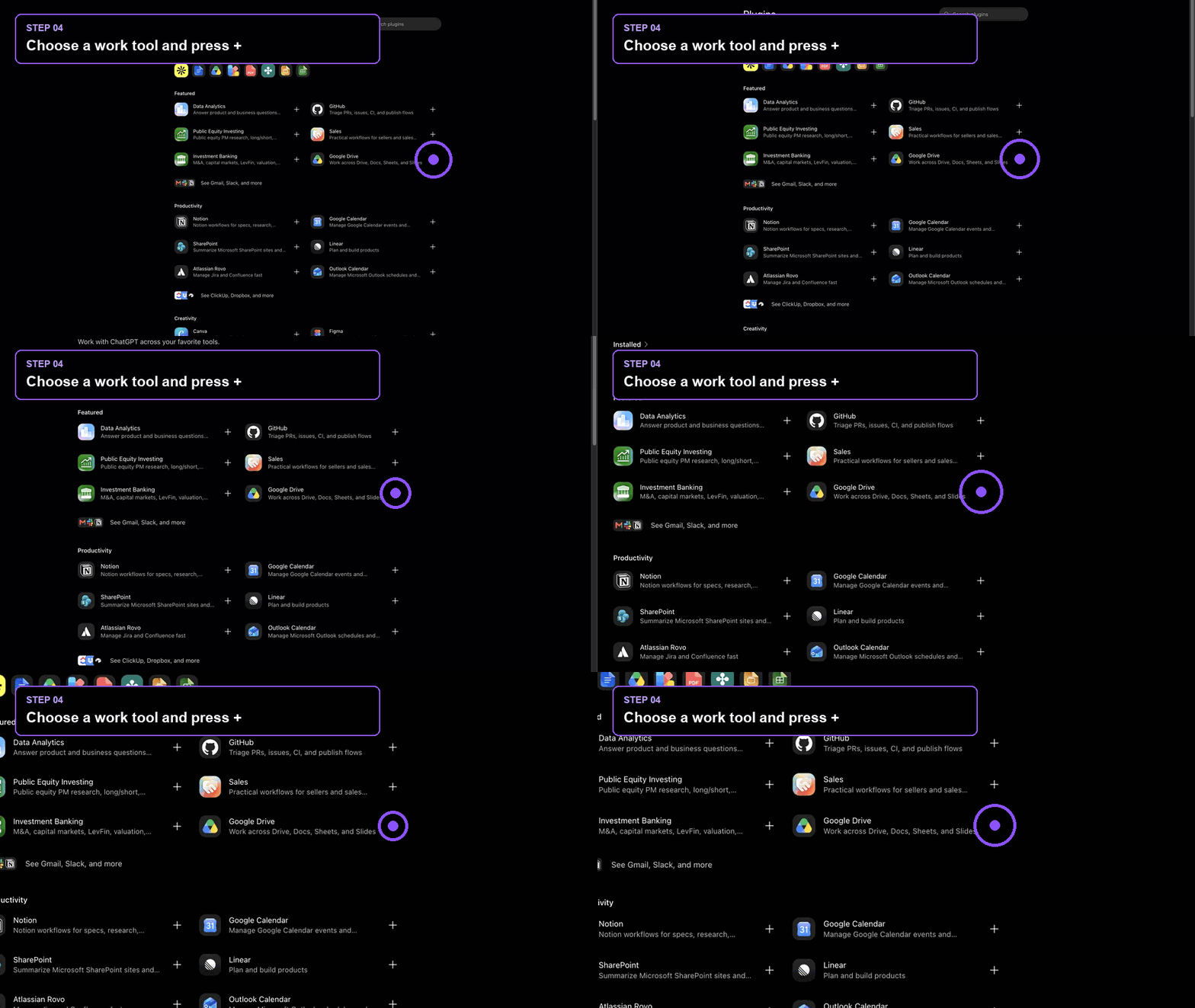 The interface may vary slightly by plan or rollout.
Connect your work
Give the agent access to the tools that hold the right context.
- Open Plugins from the ChatGPT sidebar.
- Add tools that your business uses that would be useful for your agent. We’ll add these to the agent later.
- Review permissions carefully. Prefer read-only access until an action is genuinely required.
Before using my connected tools, make a source map: list which system should be used for calendar, email, documents, team messages and tasks. For each source, state what information you may read and what actions require my approval. If sources conflict, ask me which one is authoritative. Do not send, delete, move or modify anything without my explicit approval.
GOOD PRACTICEStart with one or two high-value connections. More access does not automatically make a better agent.
 The interface may vary slightly by plan or rollout.
Create your workspace agent
Package the context, tools and guardrails into a repeatable role.
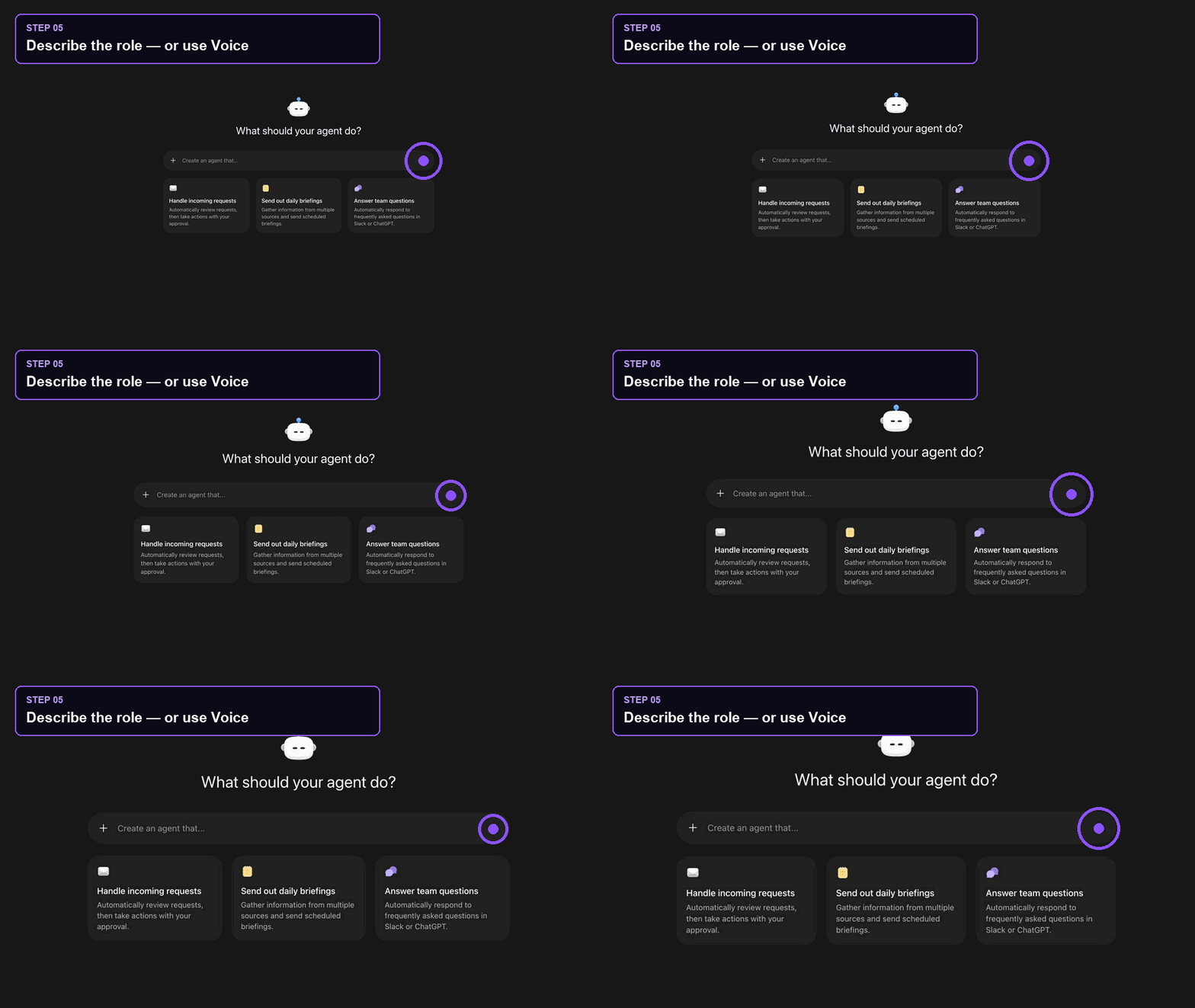
- Open Agents, select Create agent, then choose the Chief of Staff template or start blank. If you use the Chief of Staff template, it will ask you to connect your calendar, chat and email services.
- Answer the agent’s questions by dictating your answers or chatting.
- Review the name, instructions, connected apps, permissions and starter prompts before creating it.
Create a Chief of Staff agent for my role. Its job is to help me prepare, prioritise, follow through and make better-informed decisions. Begin by interviewing me one question at a time about my projects, priorities, stakeholders, recurring work, where key documents live and the support I want. Use my approved operating brief and writing-style guide. Use connected tools only for the purposes I have approved. Never send messages, alter files or create meetings without my explicit approval. Draft the agent for review and show me any assumptions or missing information before it is created.
GOOD PRACTICETest the draft with one real task before adding more instructions. Clear guardrails beat a long wish list.
 The interface may vary slightly by plan or rollout.
Schedule your morning briefing
Make the agent useful before your day begins.
- Test the agent manually and check the sources it uses.
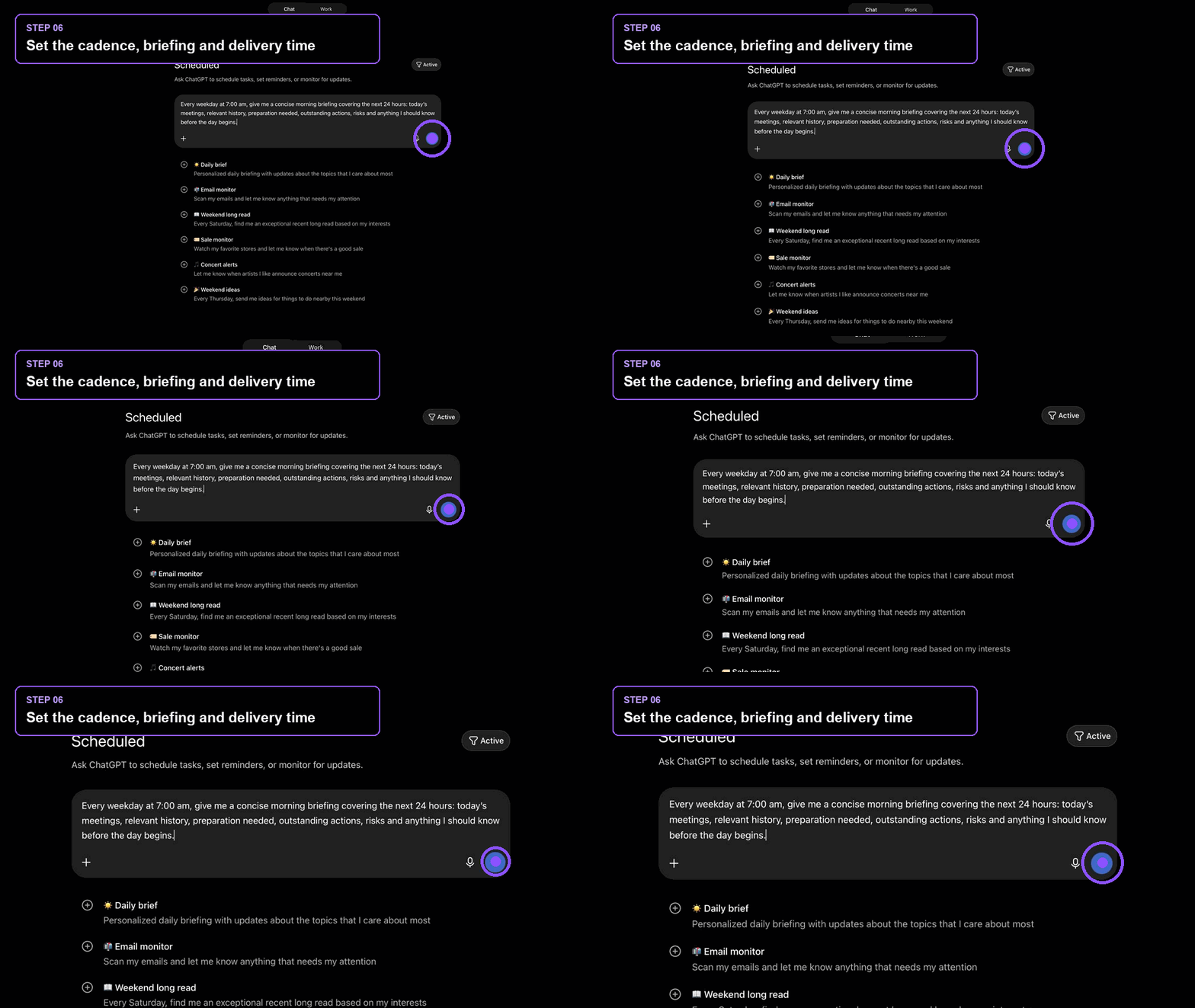
- Use the prompt below to set a recurring task.
- Choose how you want to receive the briefing: in ChatGPT (useful for additional follow-up questions), or by email or chat.
Every weekday at 7:00 am in my timezone, give me a concise morning briefing covering the next 24 hours. Include: today’s meetings and purpose; relevant meeting or relationship history; preparation needed; outstanding actions and owners; decisions or deadlines approaching; risks, conflicts or missing information; and the three things that most deserve my attention. Link to source material where possible. Separate confirmed facts from assumptions. Do not send messages or change any source system.
GOOD PRACTICEIf the first briefing is noisy, narrow the sources and shorten the required format before adding more data.
Useful beats impressive.
Give the agent one real piece of work. Check the sources, correct the assumptions and improve the instruction that caused the miss. That loop is how an agent becomes genuinely valuable.
Run the build again ↑